
Update with GPLClub Updater
GPLClub comes with its own installation and update plugin so you can do everything from your WordPress dashboard.
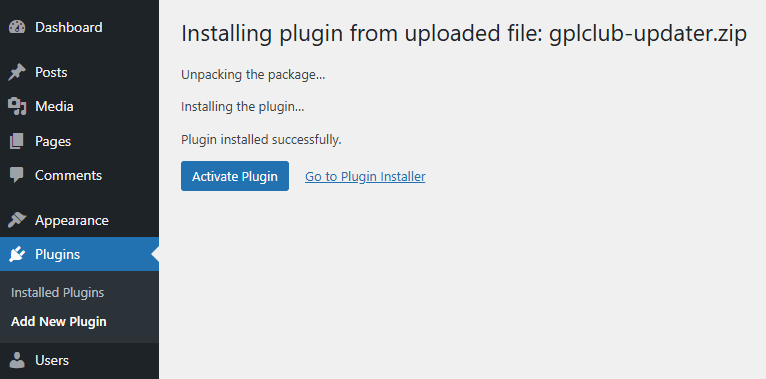
1. Install GPLClub Updater
2. Generate a License
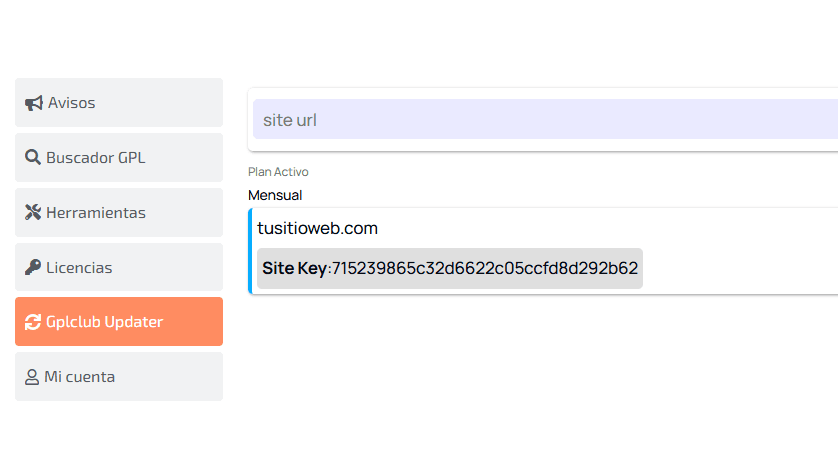
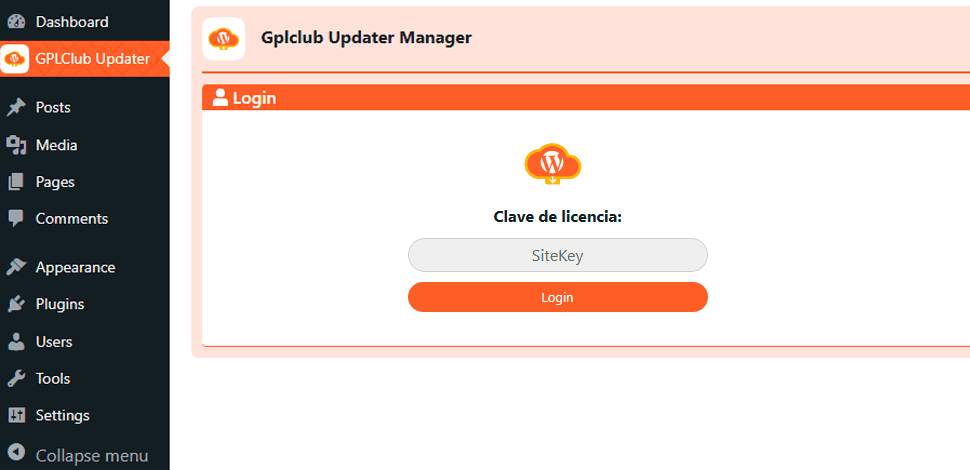
3. Connect your site to our server
In the GPLClub Updater section on your new site, you can use your license key generated in the previous step; this is the last step to connect and authorize your domain.
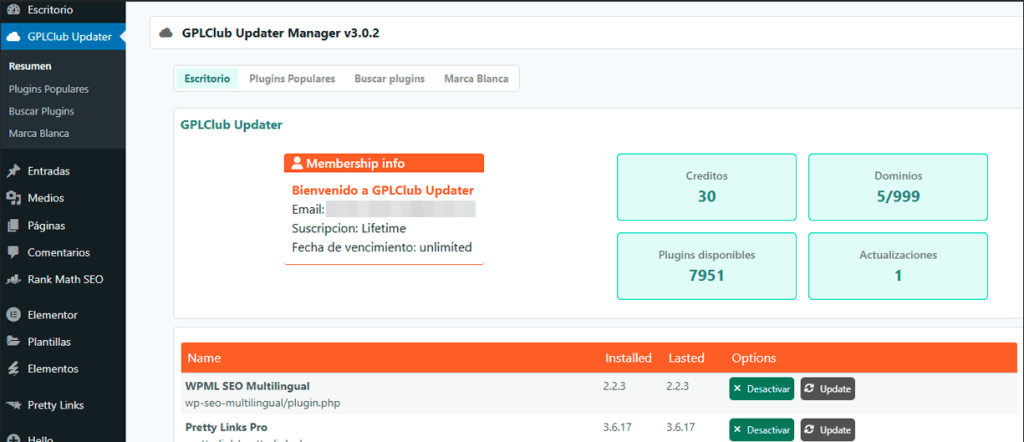
4. Install and update with 1 Click
From your WordPress HUB, you can see all the installed plugins that GPLClub Updater can update, and you can do it with just 1 click.
Frequently Asked Questions
Does GPLClub Updater also work with themes?
Currently, it doesn’t. In the current version, it only works for plugins, but in future versions, it will be compatible with themes.
What technical requirements does GPL Updater need?
Do I need an active membership to use GPL Updater?
What advantages does GPL Updater offer compared to manual updates?
How many sites can I connect with GPL Updater?
Is GPLClub Updater free?
Does GPL Updater collect user data?
What happens if a plugin is already installed but doesn't come from GPLClub?
Is GPL Updater compatible with all plugins?
Does GPL Updater offer differential updates?
No, all updates are complete, meaning they replace the entire plugin file with the new version.
Does GPL Updater work if I bought an individual plugin?
Do you still have questions?
Write to us via chat and we’ll be happy to resolve any doubts you may have.
